How to Answer Click-to-WhatsApp Ad Leads Automatically in the UAE
TL;DR
Point your Click-to-WhatsApp ads at a number on the WhatsApp Business Platform and put an AI agent on it. Every lead then gets an answer within seconds, in Arabic or English, at any hour, with your qualifying questions and a booking. And if you reply within 24 hours to someone who wrote from the WhatsApp phone app, Meta makes that reply free and opens a 72-hour window in which every message, templates included, is free.
A note on sources
Grow50X sells an AI agent that does this. Meta's rules below come from Meta's own documentation, listed under Sources and checked on 18 October 2026.
What happens when someone taps your ad
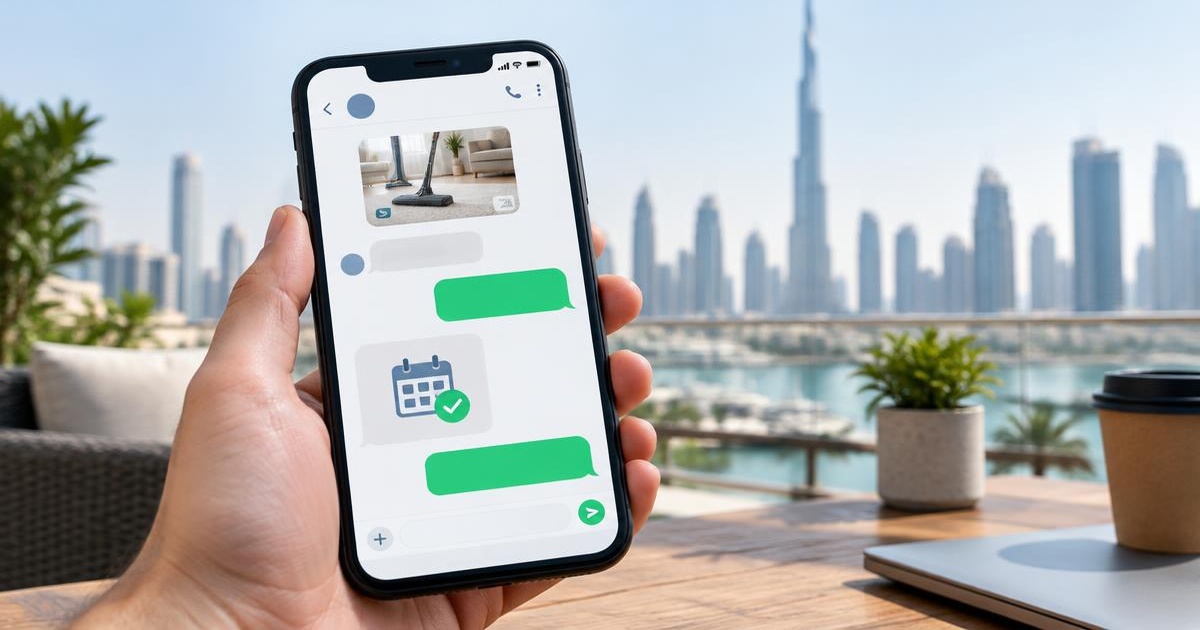
- They tap your ad on Facebook or Instagram, and WhatsApp opens a chat with your business, with a message ready to send.
- They send it. A 24-hour customer service window opens, and your normal replies inside it cost nothing.
- The AI agent answers within seconds. If they wrote from the WhatsApp app on Android or iPhone, that reply also opens Meta's free 72-hour window.
- It asks your qualifying questions: what they need, budget, timing and location.
- It offers real slots from your calendar, books one and sends the confirmation and reminders.
- It logs the lead in your CRM with the ad it came from. Complaints, refunds, legal questions and big deals go straight to a person.
Why a fast reply saves ad money, not just leads
Meta bills Click-to-WhatsApp ads when the ad is shown, so you pay for every view whether or not anyone answers the chat. Once the 24-hour window closes, you can reach the lead only with a template message, which Meta charges per delivered message, by category and country. A lead who taps your ad on Friday evening and hears nothing until Monday can then be reached only with a paid template, and the moment has passed.
What it costs in the UAE
| Cost | Billed by | What you pay |
|---|---|---|
| Ad spend | Meta, on your own ad account | Your budget. Click-to-WhatsApp ads are billed by impressions |
| WhatsApp messages | Meta | Free: replies inside the 24-hour customer service window, utility templates sent inside it, your reply within 24 hours to a lead who came from the ad on the phone app, and every message in the 72-hour window that reply opens. Charged: other template messages, per delivered message, by category and country |
| AI agent: Grow50X AI Receptionist plan | Grow50X | AED 999 a month with 5,000 AI messages across WhatsApp, Instagram, Facebook and TikTok, then AED 0.15 a message, or unlimited AI chat for AED 749 more a month. No setup fee, 14-day free trial, live within 7 business days |
Grow50X prices checked on grow50x.ai/pricing on 18 October 2026. Meta charges its message fees directly, separately from the plan. If you'd rather have us run the ads as well, Ads + AI starts from AED 4,999 a month.
Set it up in five steps
- Put the number your ads will use on the WhatsApp Business Platform, in your own Meta Business account. Our WhatsApp Business API guide covers verification, templates and opt-in.
- In Ads Manager, click Create, choose Messaging apps as the conversion location and select WhatsApp. Meta suggests running the ad for at least seven days.
- Give the AI agent what each ad offers, plus your qualifying questions, prices, branches and calendar.
- Set handoff rules: which leads go to a person straight away, and who covers the weekend.
- Review your CRM each week. Every lead arrives with its transcript, language, source ad and next step, so you compare ads by booked appointments, not by chats.
Four mistakes that waste ad spend
- A greeting that doesn't answer. The same fixed welcome for everyone, while the question waits for a person.
- Replying after the window closes. After 24 hours, only a paid template can reach the lead.
- An agent that guesses. A good agent says when it doesn't know, captures the question and books a callback.
- Leads without a source. If leads aren't logged with the ad they came from, you can't tell which ads bring customers.